CBSA spells out how to declare, correct and claim back surtax in CARM
Customs Notice 26-26, issued Nov. 16, lists the field-by-field entries for goods subject to surtax, the reason codes for corrections and refund requests, and a 90-day processing standard.
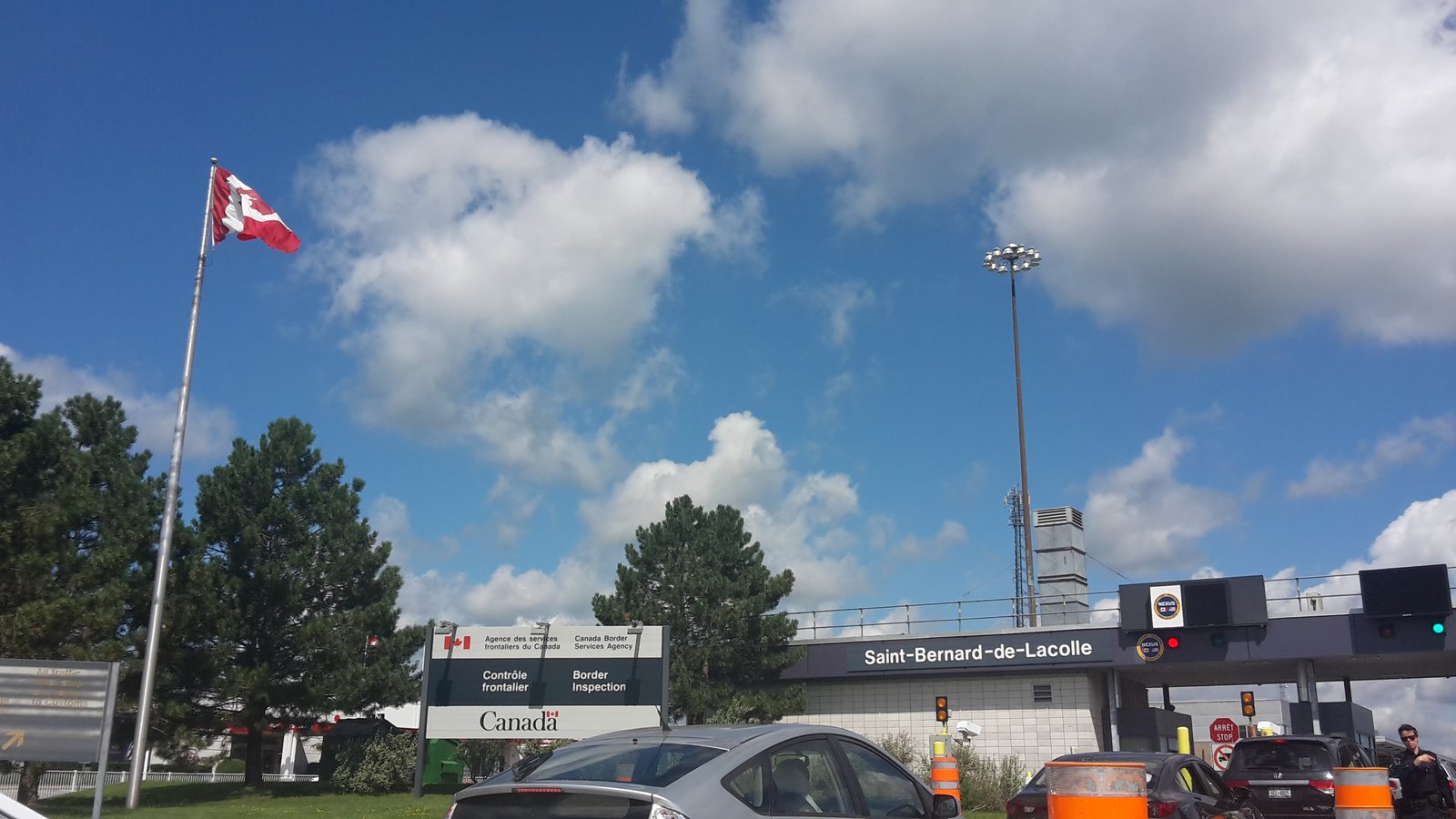
The Canada Border Services Agency has published step-by-step guidance on how importers and customs brokers must handle surtax on commercial goods in CARM, from the first declaration to a refund request.
Customs Notice 26-26, dated Nov. 16, 2026, covers commercial goods only. Refunds for non-commercial (casual) goods cannot be submitted through CARM and use Form B2G instead.
For fleets and owner-operators, this matters when you import equipment or parts that are subject to Canada's surtaxes, or when your customs broker files on your behalf.
1. Declaring surtax on a CAD
On the Commercial Accounting Declaration (CAD), at the commodity line level:
- Surtax Subject: enter "Subject".
- Surtax Code: enter the code listed in the applicable Customs Notice.
- Self-declared surtax: check the Self-Declared Surtax field and enter the amount you calculated in the Surtax field.
- Remission order relief: enter the special authorization code in the Special Authority OIC field. The CBSA warns that leaving this code out will result in surtax being charged.
2. Corrections before the payment due date
Importers in the Release Prior to Payment (RPP) program, or their delegated broker, can correct the surtax owing before the CAD payment due date. At the commodity line level:
- Trade Program Code 1: 6 (Safeguard/Surtax)
- Reason Code 1: R5-00-COT
- Surtax Subject: "Non-Subject" or "Subject", as applicable
- Special Authority OIC: the remission code, if claiming relief
- Declaration Remarks: a justification for the change
If goods change from Subject to Non-Subject, make sure Self-Declared Surtax is not selected.
3. Refunds after the payment due date
Relief under a remission order:
- Trade Program Code 1: 6 (Safeguard/Surtax)
- Reason Code 1: R2-74-1-GR-53
- Special Authority OIC: the authorization code for the remission order
- Surtax Subject: "Subject", with Self-Declared Surtax not selected
- Special Auth Permit: the permit number, if applicable
The authorization code comes from the Customs Notice on that remission order or from a Department of Finance letter approving the company for remission.
Surtax overpaid or paid in error (for reasons other than a remission order): use reason code R2-74-1-G-53, with Trade Program Code 6.
A remission refund under R2-74-1-GR-53 cannot share a line with another refund reason code, such as R2-74-1-E.TC. File them on separate CAD versions, and wait until the first adjustment is processed and approved before submitting the second.
4. Paperwork and timelines
- Single CAD adjustments, and mass adjustment cases with fewer than 25 CAD lines, that result in a refund must be supported by documents such as a purchase order, commercial invoice, bill of lading, waybill, product literature or certificate of origin.
- Remission requests need documents showing the conditions of the order were met.
- Missing documents or an incomplete request will be rejected, and the CBSA says legislative time limits will not be protected.
- The CBSA's service standard is 90 calendar days to process a CAD adjustment or mass adjustment. After that, you can contact the responsible region by email (addresses are listed in the notice).
Watch for changes
The CBSA notes that remission orders can change and that the related Customs Notices will be revised. Check the current notice and effective dates before you file. Questions about surtax remission go to the Department of Finance, and questions about administering a remission order go to the Border Information Service at 1-800-461-9999.